

@Mentions dropdown: Find and select X accounts as you type
Details
Hootsuite Composer brings back the @mention account selection dropdown for X (Twitter) posts, using X's updated API.
As you type an @mention, Composer surfaces a live list of matching X accounts so you can pick the exact one you mean.
Previously, confirming an account meant leaving Hootsuite, searching X directly, then copying and pasting the handle back into your post: a process that opened the door to mistagging. With the dropdown restored, you search and select the correct account without ever leaving Composer
Key Benefits
Tag with confidence: Search and select the exact X account you mean, so you never guess or mistype a handle.
Save time: Skip the back and forth of verifying handles on X before you post.
Preview accurately: See your mention with correct link style formatting in the live preview panel before you publish.
How it Works
Using the @mention dropdown is easy: it's built directly into Composer wherever you're writing an X post. This dropdown lets you find and confirm the right account without leaving your draft.
Type to search – Type "@" followed by a name to bring up a live list of matching X accounts.
Select the account – Choose the right account from the dropdown to insert it as a properly formatted mention.
Preview instantly – Watch the live preview panel update to show exactly how your mention will appear on X.
By putting account verification directly inside Composer, you can publish X posts with accurate mentions faster, helping your team maintain precision without adding extra steps to your workflow.
Learn more in the Help Center.
Please complete the form to learn more
* indicates required fields
Related updates
Wisdom in Hootsuite's Mobile App
Wisdom in Hootsuite's Mobile App gives social media marketers and executives a portable AI consultant that surfaces content ideas and performance insights through natural language, directly from their phone.

TikTok & Threads Native Content in Perch's Planner
TikTok & Threads Native Content in Planner shows your natively published posts right alongside your scheduled content, giving you complete visibility into your full publishing activity.
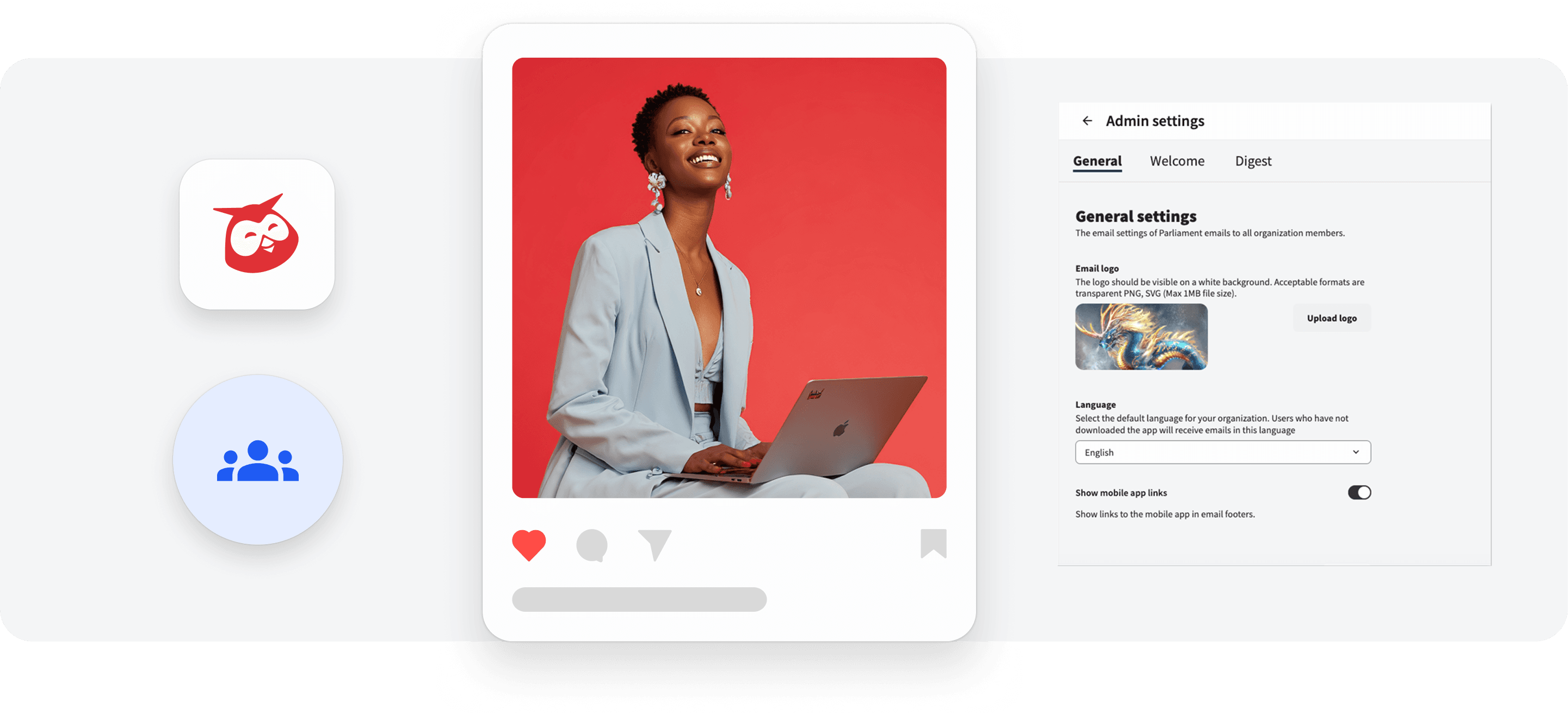
Remove Mobile App Links from Parliament Email Footer
Remove Mobile App Links from Parliament Email Footer lets Content Admins hide mobile app download links across all Parliament emails, helping you stay aligned with internal app promotion policies.

Unlock insights tailored to your business
Get your zero-risk trial to see how Hootsuite can power brand growth with the industry’s deepest insights.